Las Cruces Public Art has a really cool tool to help everyone find our public art. It’s an interactive art map that is called Unhidden Gems, but as it turns out, the map itself might be one of our biggest hidden gems since few seem to know it exists.
As we built an inventory database of existing artwork and newly acquired public art, we realized our collection was growing to the point that having a map with locations made sense. We recruited our GIS department to help us develop a digital interactive map that could be accessed on our website with all our devices.
We named it Unhidden Gems because public art is out in the open for everyone to view. The ever-evolving interactive map, which undergoes almost daily updates to stay accurate, lives on our website at LasCruces.gov/PublicArt. Here are some of its features:
Map Legend –
- Thumbnail images – Click on the image to see more information about the artwork including a brief description, artist name, address, and approximate installation date.
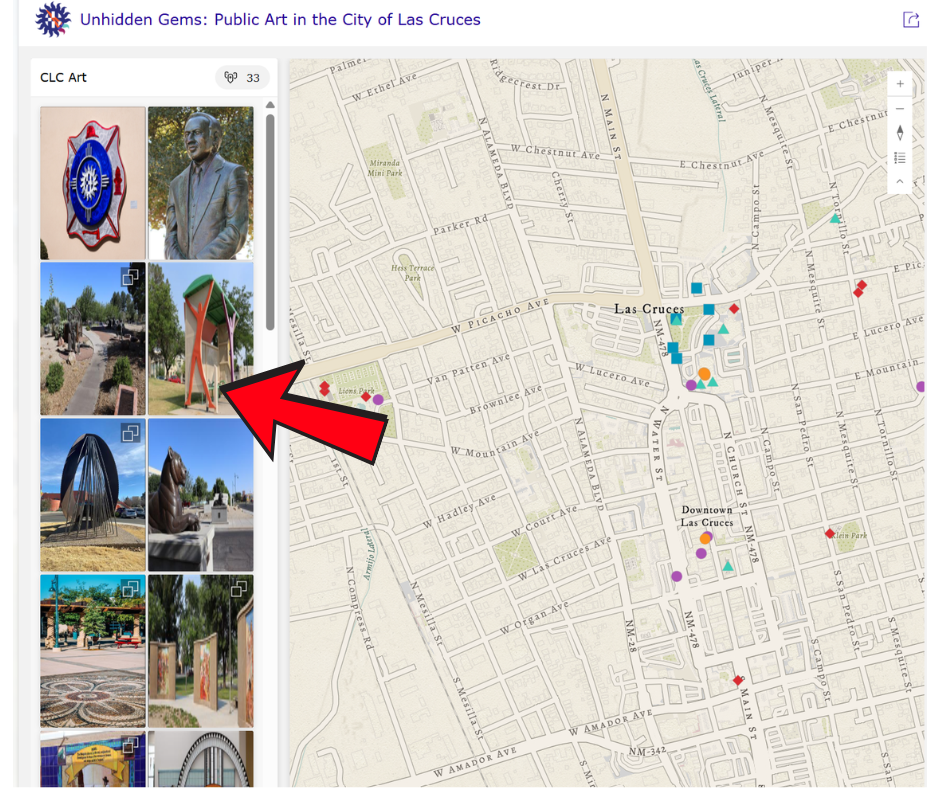
Click on any image to see more information and location on map. 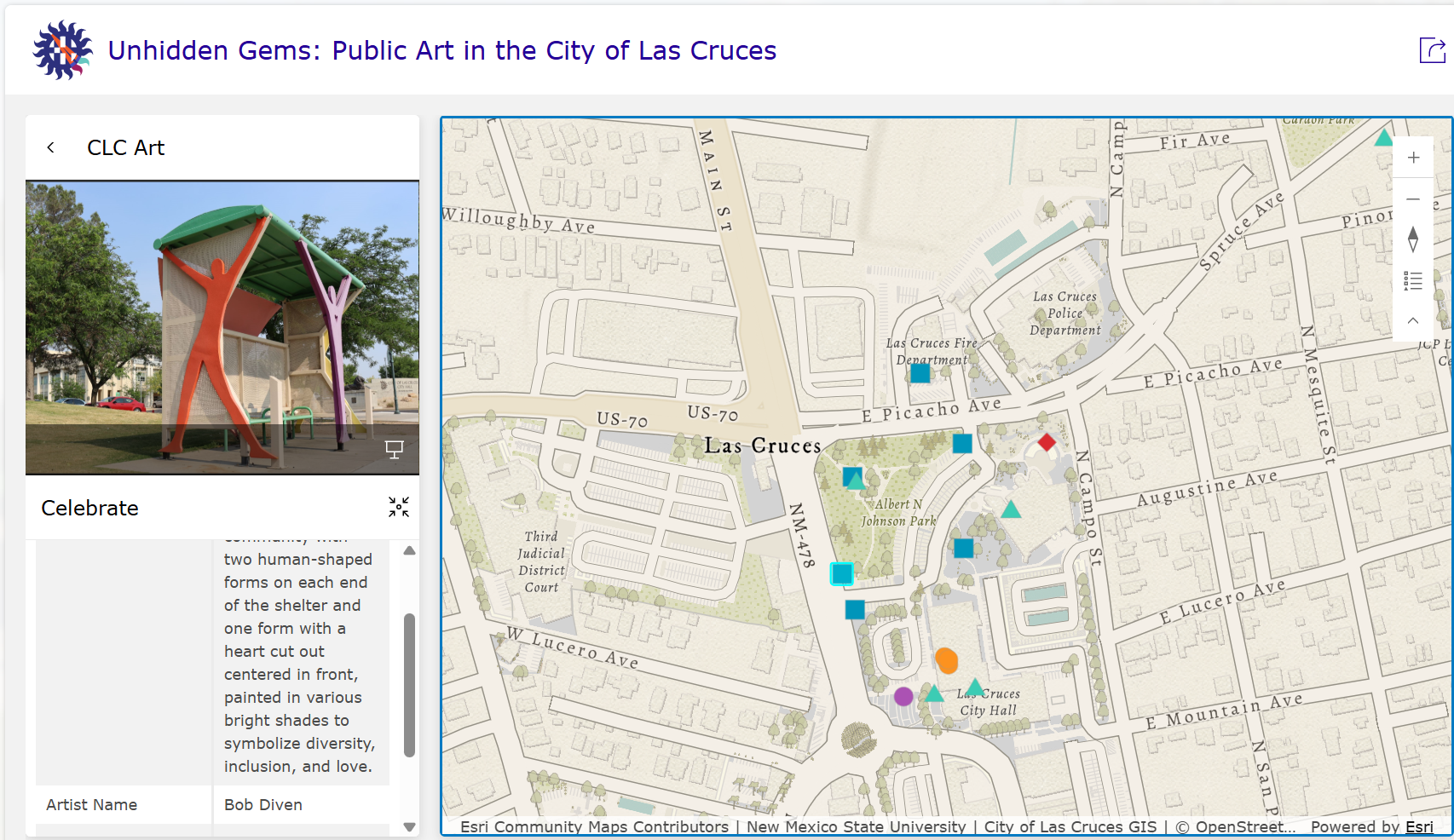
Image of artwork with information and location. - Colored markers – When you click on an image the linked marker highlights on the map. Or you can click on any marker on the map to see what is located there.
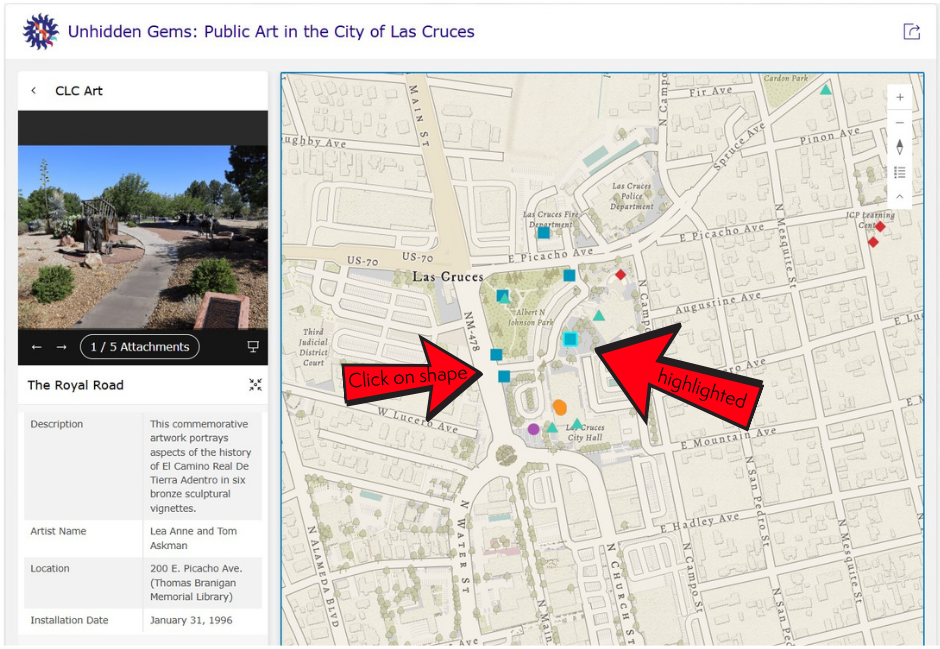
Selected artwork is highlighted on the map. You can also click on any shape to find other artwork. - Zoom feature – Hold your cursor over the map and use your mouse to zoom in or out on the map. Hold your right mouse button to pan map to the desired area of the city.
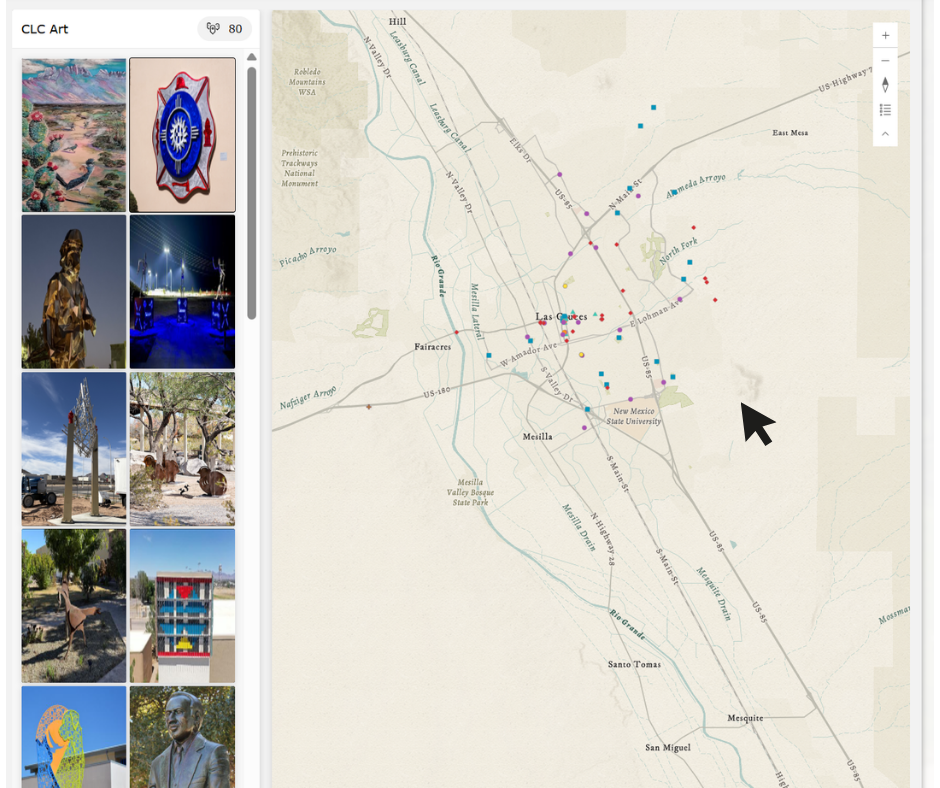
Hold cursor over map and right click mouse to zoom in or out. Can also pan around map to find different locations. - Enlarge image – After clicking on an image, you can view it in full screen mode by clicking on the monitor icon in the bottom right corner of the image.
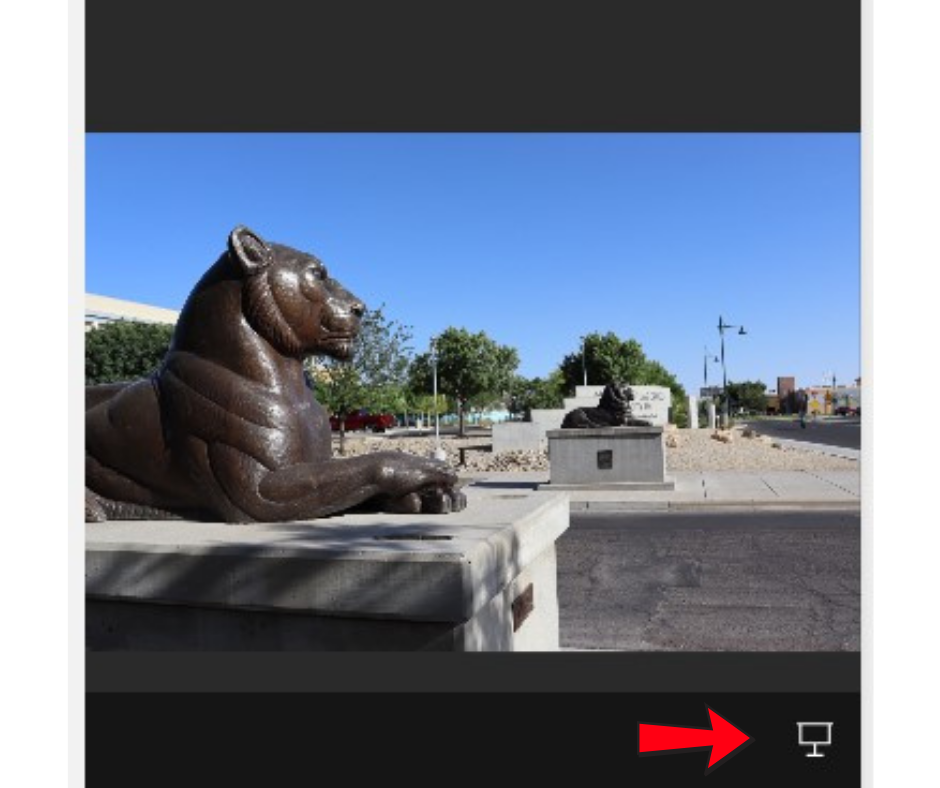
Click on monitor icon to convert to full screen. - Additional locations – find more artwork by scrolling through the image gallery at the bottom of the page.

Unhidden Gems interactive public art map is intended as a guide to finding the wide selection of public art in the City of Las Cruces collection. We hope to continue to develop new features, such as creating self-guided tours or a search tool that can find specific mediums like the water tanks for example. However, public art is best when viewed in person. We hope the map will inspire you to visit the City’s public art to get the full experience.